

The concluding part of the Teachers Lounge “AI in the Classroom Webinar” offered invaluable insights and practical demonstrations on how teachers can leverage artificial intelligence (AI) tools to enhance various aspects of their teaching practice. The session, led by an expert facilitator, Oluwasseun Adepoju emphasized that AI is not here to replace teachers but to change their role and strengthen their delivery, empowering them to support students in learning smarter and better. This comprehensive recap details the key discussions, tools, and actionable takeaways from the webinar.
Key Scenarios and AI Tools Explored:
1. Content Creation and Lesson Planning
- The Challenge: Teachers spend countless hours writing and formatting engaging, contextually relevant, and age-appropriate lesson plans.
- The Solution: Claude.ai
- Claude.ai is a powerful tool for generating lesson plans quickly.
- Key Features: It can create detailed lesson plans, including learning objectives, materials needed, lesson structure (introduction, main content, hands-on activities), and assessment criteria. It can even suggest examples specific to your context, such as African plants for a lesson on photosynthesis.
- Actionable Tip: Precision in Prompting: The facilitator stressed the importance of being very specific and granular in your prompts. For instance, instead of “give me a lesson plan on photosynthesis,” a more effective prompt is “create a lesson plan for primary six class on photosynthesis, make use of African plant examples for relatability for the students, include quick quizzes”. This ensures the output is age-appropriate and meets specific needs.
- Versatile Output: Claude.ai can present content in various formats: plain text, tabular form, or even a visually appealing dashboard. You can copy and paste the content into a document, or publish it as a shareable link that can be revisited anytime.
2. Grading and Feedback Bottleneck
- The Challenge: Providing timely and comprehensive feedback on numerous assignments can be mentally exhausting for teachers.
- The Solution: Perplexity.ai
- Perplexity.ai helps streamline the grading process by offering detailed feedback on student essays.
- Key Features: It can analyze essays paragraph by paragraph, identifying grammatical blunders, subject-verb agreement issues, suggesting improvements for flow, and providing formal writing alternatives (e.g., using “however” instead of “but today”).
- Bulk Processing: For larger classes, teachers can scan written assignments using mobile scanners, merge them into a single PDF, and upload the document to Perplexity.ai. The tool can then provide feedback for each student by name. It also supports grading multiple-choice questions and provides downloadable versions of graded work.
- Versatility: Perplexity.ai is noted for its strength in academic writing and sourcing web links.
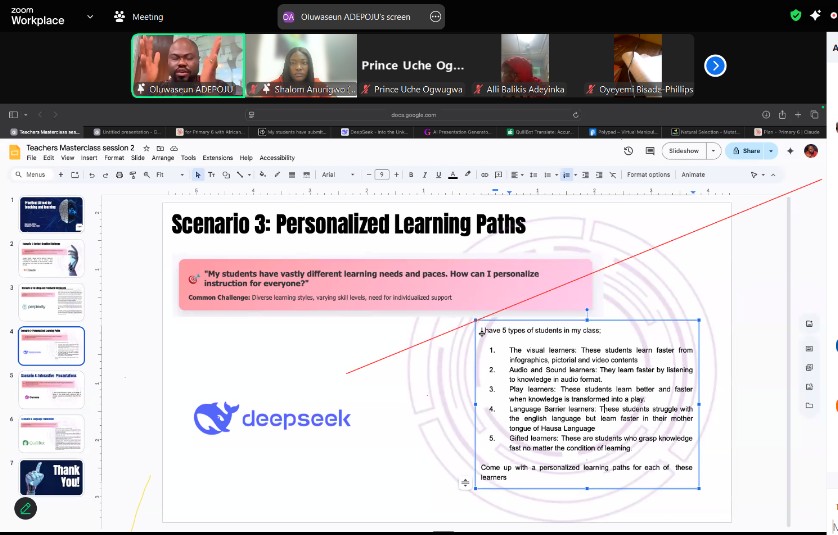
3. Personalized Learning Pathways
- The Challenge: Addressing the diverse learning styles (visual, audio/sound, play, language barrier, gifted) within a single classroom of 35 students.
- The Solution: ChatGPT or DeepSeek.ai
These AI tools can help teachers curate personalized learning paths tailored to different learner types.
- Key Features: These tools generate ideas for specific lesson delivery methods, assessment strategies, and resources for each type of learner. For example:
- Visual Learners: Animated videos, labeled diagrams, infographics, visual simulations; assessed via drawing, mind maps, matching activities with images.
- Audio/Sound Learners: Podcasts, recorded audio notes (e.g., sending audio lessons to parents for home listening); assessed via oral exams.
- Play Learners: Role-playing, card sorting, games, using materials like LEGOs or everyday items to visualize concepts.
- Language Barrier Learners: AI tools for translation and voice apps to provide content in local languages (e.g., Yoruba, Kiswahili).
- Gifted Learners: Conventional and advanced methods.
- Curriculum Integration: These AI tools can even tailor these strategies for specific topics within a curriculum, such as integrated science.
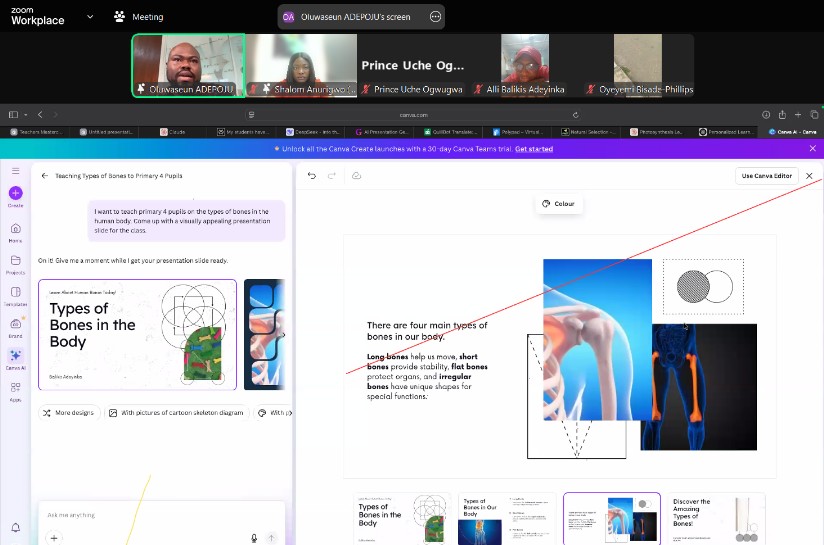
4. Interactive Presentations
- The Challenge: Creating engaging and visually appealing presentations to keep students active and make lectures less “one-way”.
- The Solution: Canva AI or Gamma.ai
- Canva AI simplifies the creation of visually attractive presentation slides.
- Key Features: By providing a prompt (e.g., “teach primary four pupils on the types of bones in the human body, come up with a visually appealing presentation slide”), Canva AI can generate a series of slides. These slides can be customized with images and text, and additional pages can be added.
- Download Options: Presentations can be downloaded in PDF, PNG, or PowerPoint (PPT) formats, allowing for both online and offline use.
5. Language Translation
- The Challenge: Overcoming language barriers for students who prefer to understand concepts in their local language, especially in regions where the language of instruction is English.
- The Solution: QuillBot (also referred to as Cubot)
- QuillBot is a versatile tool for language translation and beyond.
- Key Features: It can translate content between various languages (e.g., French to English, English to Yoruba). While it supports African languages, the facilitator cautioned that contextual editing by a native speaker is crucial as AI models are still gradually incorporating these languages.
- Additional Uses: QuillBot can also perform grammar checks, plagiarism detection for student assignments, generate citations, and summarize long documents into concise versions.
Specialized Tools for Mathematics and Science
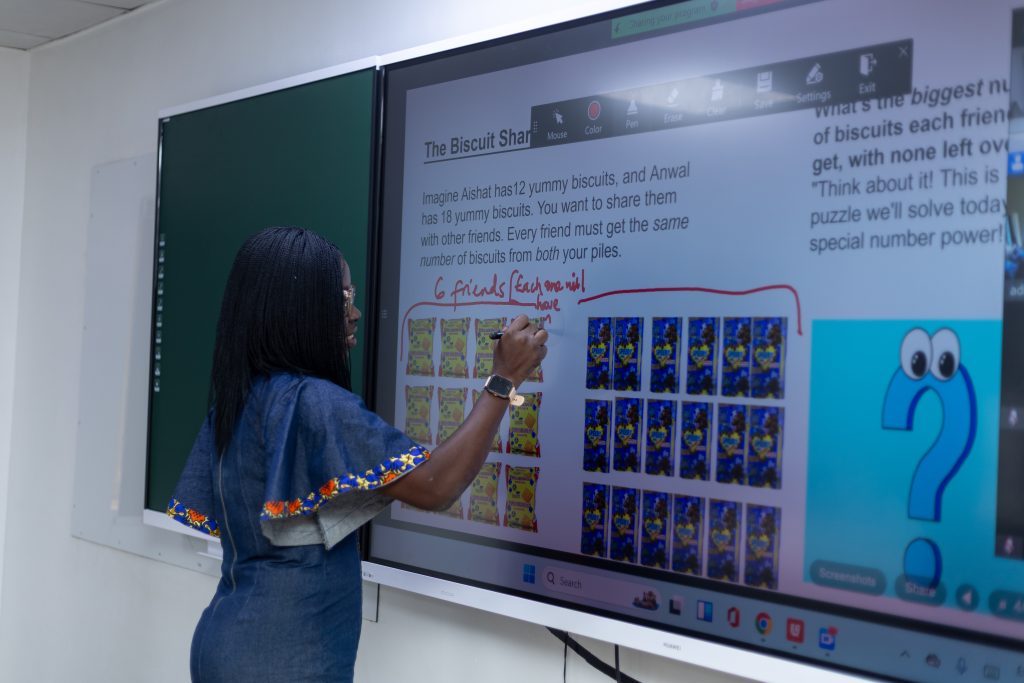
The webinar also highlighted specific tools designed to enhance teaching in STEM subjects:
- Polypad: A versatile AI tool for mathematics visualization. It allows teachers to display and manipulate various mathematical concepts like geometry shapes, polynomials, numbers, algebra tiles, and even demonstrate money and clocks. This interactive tool can be used directly on a phone and passed around to students to foster critical thinking.
- PhET Interactive Simulations: Offers free, interactive science simulations for various topics like natural selection, gamified with play and learning outcomes. It provides a wealth of teaching resources.
Essential Tips for Using AI Tools
- Master Prompt Engineering: Be extremely specific and granular in your instructions to generative AI tools (like Claude.ai, Perplexity.ai, Deepseek, ChatGPT) to get the desired output.
- Verify Information, Especially References: While AI can assist with academic writing and sourcing, it may “cook up” references. Always verify citations manually using tools like Biblio Citatiosn, Scite.ai, or Jenny.ai to avoid inaccuracies and ensure proper referencing.
- Understand Tool Specializations: Different AI tools excel at different tasks. For example, Claude.ai is strong with images, dashboards, and tables; Perplexity.ai is good for academic writing and web links; Deepseek is good for organizing muddled information into tables; and ChatGPT is strong in image generation.
- Experiment Regularly: Dedicate time (even just an hour a week) to experiment with these tools. Exploration is key to discovering their full potential and how they can solve specific classroom challenges.
- Consider Shared Premium Accounts: For premium versions, teachers can consider sharing the cost with colleagues by creating a shared account, though it’s important to test if simultaneous logins are supported.
Call to Action for Teachers
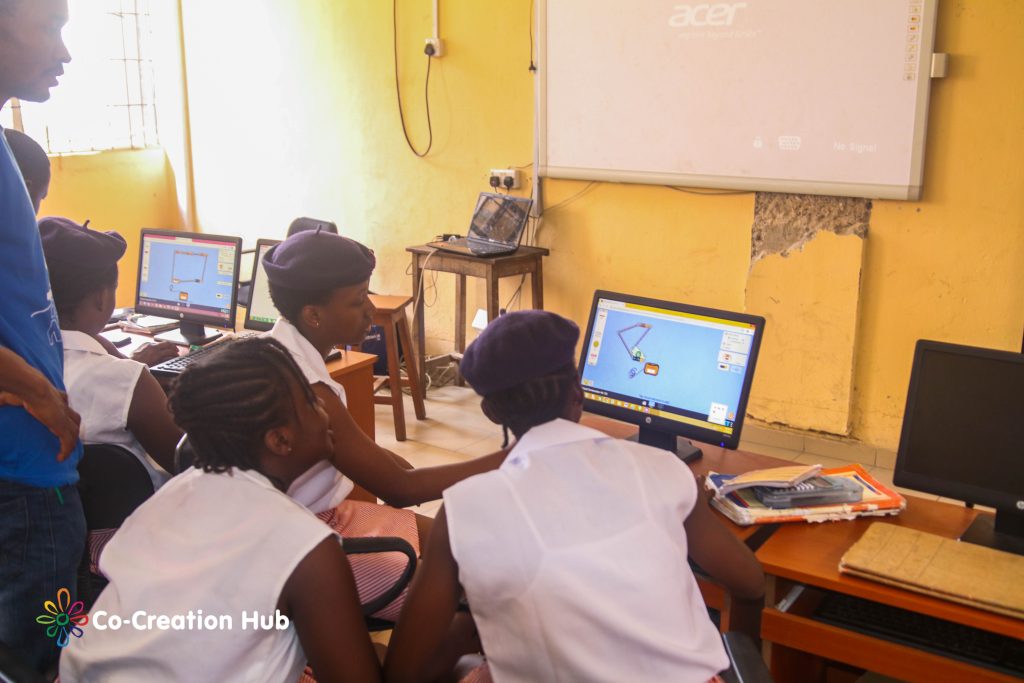
The webinar concluded with a strong call for teachers to actively engage with these tools and integrate them into their practice:
- Start Applying: The most important outcome is to go back and begin putting these tools into practice.
- Document and Share Experiences: Share how you’ve used the tools, perhaps by sending pictures or descriptions to your professional networks or communities.
- Continuous Professional Development: Utilize platforms like LinkedIn to share your learning and professional development, letting others know about your enhanced skills.
- Leverage Your Phone: Remember that your personal phone, with an internet connection, can be a powerful tool for accessing and experimenting with many of these AI resources.
By embracing AI, teachers can transform their instructional methods, save time, provide richer feedback, and create more engaging and personalized learning experiences for every student.
Leave a Reply