Introduction
In today’s digital age, LinkedIn has become a crucial platform for professionals across all fields, including education. As teachers, leveraging LinkedIn effectively can open up a multitude of opportunities for career advancement, networking, and professional development. This masterclass, “LinkedIn Optimization for Teachers,” is designed to equip educators with the necessary tools and strategies to create a compelling LinkedIn profile, expand their professional network, and enhance their online presence.
This session covers various aspects of LinkedIn optimization. Teachers learnt how to showcase their skills and experiences, connect with other educators and industry leaders, and stay updated with the latest trends and best practices in education.
By the end of this masterclass, teachers had a clearer understanding of how to use LinkedIn not just as a social media platform, but as a powerful tool for professional growth and community engagement.
LinkedIn Optimization: Maximizing LinkedIn for Educators
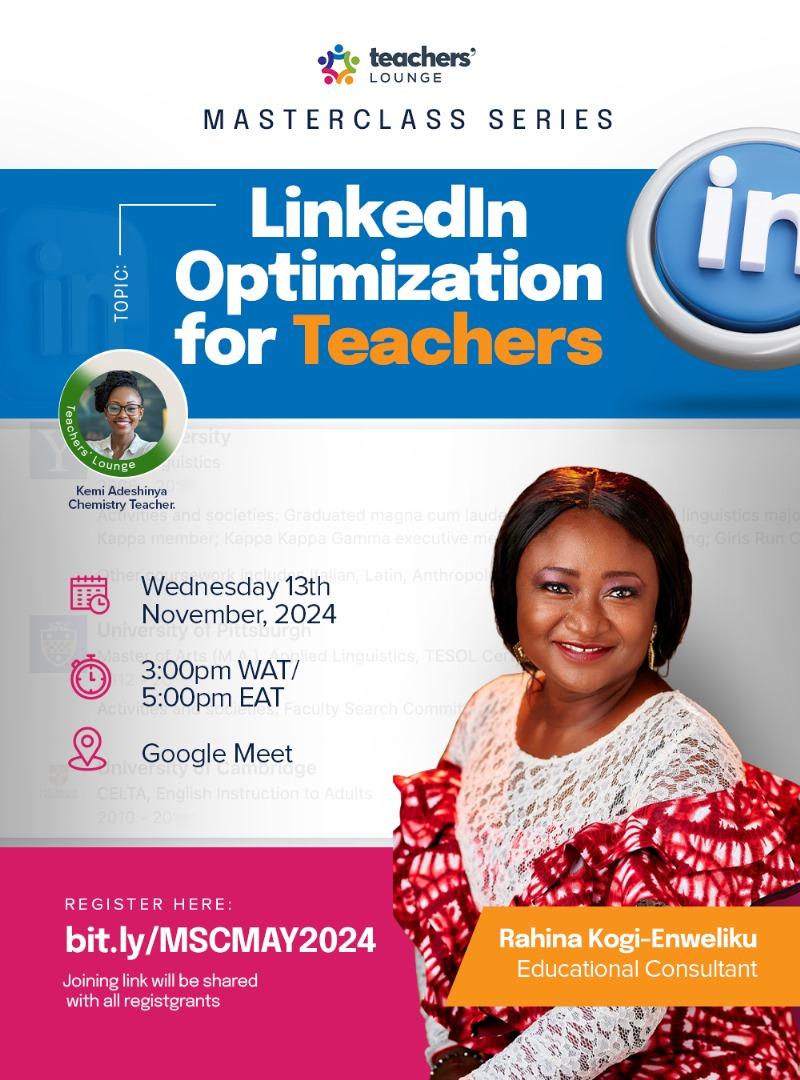
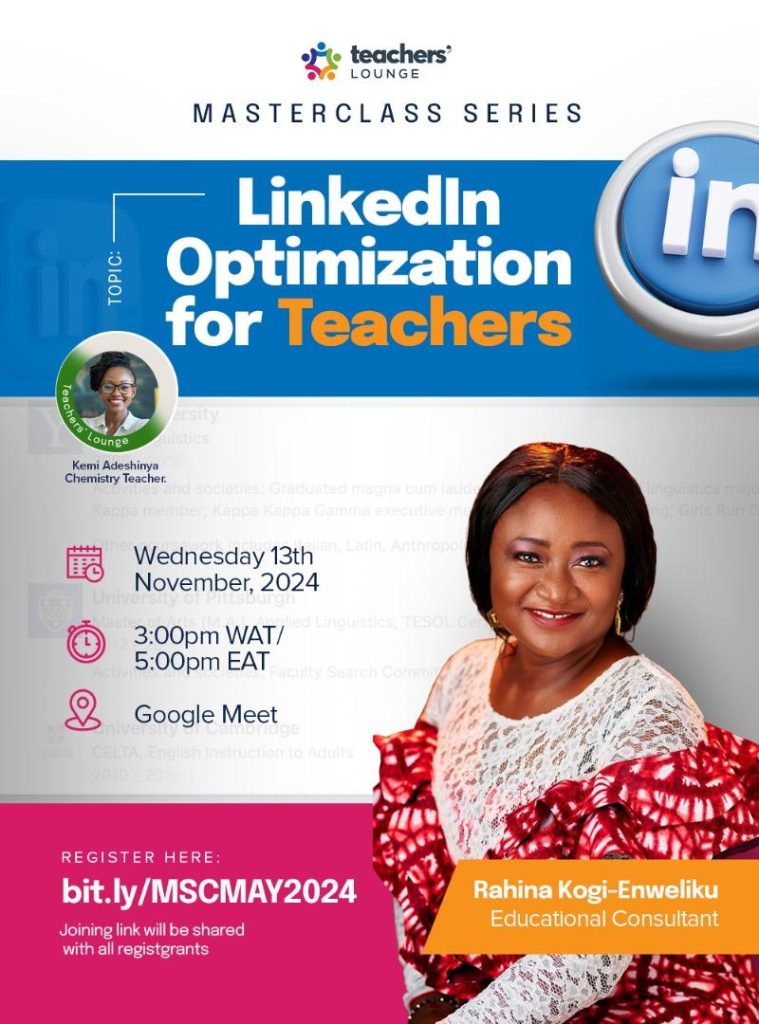
The Teachers Lounge held an insightful Masterclass Session on the 14th of November 2024 with 150 participants. The session’s topic was on LinkedIn Optimization: Maximizing LinkedIn for Educators for Teachers handled by a LinkedIn expert and teacher Mrs Rahina Kogi-Enweliku,.
With her vast expertise in the field, she practically guided teachers in attendance on how to leverage LinkedIn to grow their networks, showcase their skills and accomplishments as well as build their professional presence on the platform.
This report highlights the key learnings, insights and the community feedback that positively impacted the session.
Session Overview and Key Insights
Mrs. Kemi emphasised on the importance of owning a linkedIn account for every teacher and leveraging it as a platform tool to professionally voice who one is in their career.
She explored the topic through three main focus areas which are:
- Profile Optimization,
- Networking Strategies, and
- Showcasing Skills and Achievements.
Profile Optimization
The LinkedIn expert and Teacher, Mrs Rahina Kogi-Enweliku, provided an in-depth discussion on the importance of maintaining a professional LinkedIn account. She took the attendees through the platform and how one can create or improve their existing account to make it more visible and appealing to everyone else.
She explained that the Linkedin profile is like a digital CV and that it should be kept clean and true. She taught on how to update different features in one’s account using her profile.

The “profile” section on LinkedIn is a key component of your profile as a teacher that provides an opportunity to introduce yourself, highlight your professional background, and summarize your career goals, skills, and accomplishments. It’s an essential part of your profile because it allows you to tell your professional story in your own words and make a strong impression on those who view your profile.
This is also where your personal information goes, like your photos and titles. She emphasized that professional photos should be used and advised to go on the Canva app to design a linkedin cover banner and that to boost one’s publicity to other networks, it is important to clearly capture all personal, professional and contact details in the banner
Some of the main elements to include in your “About” section were discussed:
1. Professional Summary : A brief overview of who you are professionally, location, where you schooled, including your current position,class you teach and the school you work for, if applicable.
2. Key Skills and Expertise: Highlight your main areas of expertise, skills, and competencies. Use keywords relevant to your industry to increase your profile’s visibility in searches.
3. Experience and Accomplishments: Provide a summary of your most notable professional experiences and achievements. This can include major projects, awards, certifications, and other accomplishments that demonstrate your capabilities.
4. Career Goals: Outline your professional goals and aspirations. This gives readers an idea of where you’re headed in your career and what opportunities you’re looking for.
5. Personal Touch: Adding a bit of personal information can make your profile more relatable. This could include your passions, interests, or a brief mention of your hobbies or volunteer work.
6. Call to Action: Conclude with a call to action, such as encouraging readers to connect with you, visit your website, or contact you for opportunities.
Networking Strategies
Methods for connecting with other educators and professionals were discussed. The consultant emphasized the importance of engaging with relevant groups and discussed that teachers should foster valuable connections and collaborative opportunities.
She highlighted that you don’t just post but that there are ways to post, the quality of your post and ways to connect with people.
Networking on LinkedIn can be highly beneficial for teachers, as it opens up opportunities for professional development, collaboration, and career advancement.

Here are some effective networking strategies for teachers on LinkedIn that were discussed:
1. Complete and Optimize Your Profile: Ensure your profile is fully completed with a professional photo, a detailed “About” section, and a comprehensive list of your experiences and skills, Use relevant keywords throughout your profile to make it more discoverable.
2. Join and Participate in Relevant Groups: Join LinkedIn groups related to education, teaching, and your subject area, participate in group discussions, share resources, and offer your expertise to build your presence and connect with like-minded professionals.
3. Share Content Regularly: Post updates, articles, and reflections on your teaching experiences and educational trends, share resources, such as lesson plans, educational tools, or successful strategies you’ve implemented.
4. Engage with Your Network: Regularly engage with your connections by liking and commenting on their posts, congratulate them on their achievements and offer support or advice when relevant.
5. Showcase Your Achievements and Skills: Regularly update your profile with new certifications, courses, and achievements, highlight specific projects, teaching strategies, or technologies you’ve implemented successfully.
6. Set Clear Networking Goals: Define what you want to achieve through networking, such as finding a mentor, discovering new teaching methods, or exploring job opportunities, regularly review and adjust your strategy based on your goals.
Participants recognized the potential of networking to open doors to valuable connections and collaborative opportunities within the education field
Showcasing Skills and Achievements.
Practical advice was given on positioning oneself as an exceptional teacher. Teachers were encouraged to confidently showcase their classroom achievements, professional growth, and contributions to educational trends as this can help them stand out and demonstrate your professional capabilities to potential employers, collaborators, and connections.

Some of the ways which their skills and achievements can be showcased are;
Showcasing your skills and achievements on LinkedIn effectively. Here are some strategies to highlight your skills and achievements on LinkedIn:
1. Complete Your Profile: Write a compelling headline that includes your current role and key skills. For example, “Experienced Educator Specializing in EdTech Integration and Curriculum Development” and craft a detailed summary that highlights your career achievements, core competencies, and professional goals. Include specific examples of your successes and the impact you’ve made.
2. Experience Section: List your job titles, organizations, and employment dates. Under each role, describe your responsibilities and achievements and use relevant industry keywords to improve the visibility of your profile in search results.
3. Skills Section: Add skills that are pertinent to your profession and expertise. LinkedIn allows you to list up to 50 skills.
4. Accomplishments Section: List any certifications, licenses, or courses you have completed, projects you have successfully carried out and awards or honors you have received.
These show your commitment to professional development and recognition of your hard work and excellence, also include published articles, research papers, or books, if you have them.
5. Showcase Work Samples: Add media such as documents, presentations, images, and videos to your profile. These can be attached to the About section, Experience entries, or the Featured section.
6. Engage with Your Network: Share updates about your achievements, such as completing a course, receiving an award, or finishing a significant project.
Participants Feedback:
Feedback from the session was very positive with 95% of the participants rating the session as meeting their expectations and that they will gladly recommend the masterclass to other teachers. 96% of the participants feel more confident about using LinkedIn as an educator after this session
Some of the feedbacks are:
- “I really appreciate the opportunity given to me to participate in this masterclass. I’d always see LinkedIn as just a regular social media platform. But today, the masterclass has changed my perception about LinkedIn that, it is not just a social media platform but my professional advertising platform” Mary Ebi
- “I now understand what LinkedIn is all about even though I have an account with it I never really use it that much” Candy kalu
- “The session provided valuable insights into using LinkedIn as a strategic tool for career growth as an educator. One key takeaway was the importance of optimizing my profile to highlight my unique skills and achievements, which can help attract connections within the educational community. I also appreciated the practical networking tips, as they gave me a clearer sense of how to engage meaningfully with peers and thought leaders. Moving forward, I plan to implement these strategies and explore how LinkedIn can support my professional development and expand my influence in education.”
- “I want to say that a LinkedIn profile is very necessary for teachers and educators and as such, should be used by all stakeholders to their advantage” Offia Tugwell Owo
- “From your good experience I’m encouraged, I will learn so that I can share my skills especially the subject I teach. Thank you very ma” Mwantok Nanlop Yusuf
In conclusion, here are the actionable steps for Teachers must take to increase their visibility via LinkedIn,
- Complete your linkedin profile
- Join relevance groups and
- Post regularly.
Leave a Reply